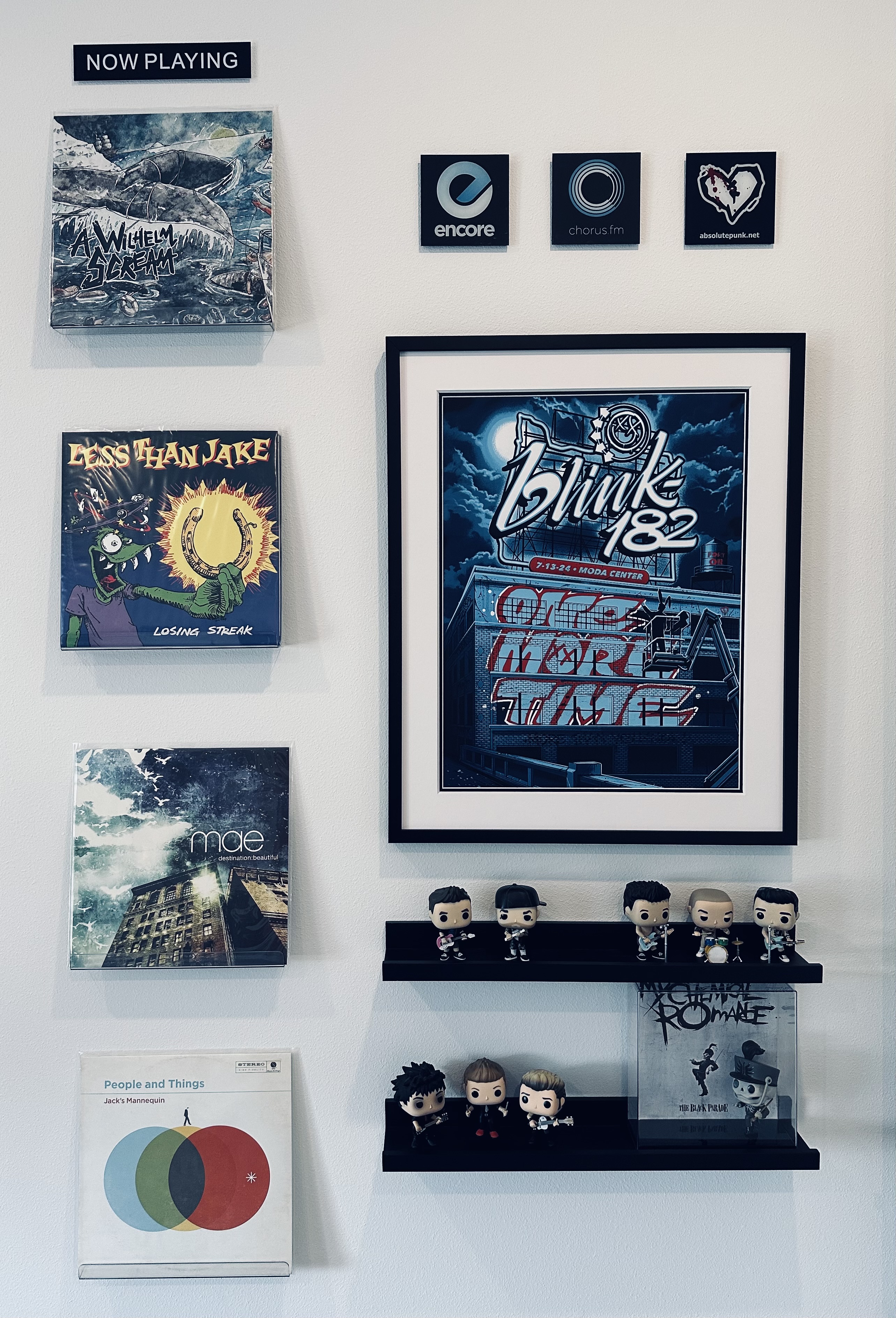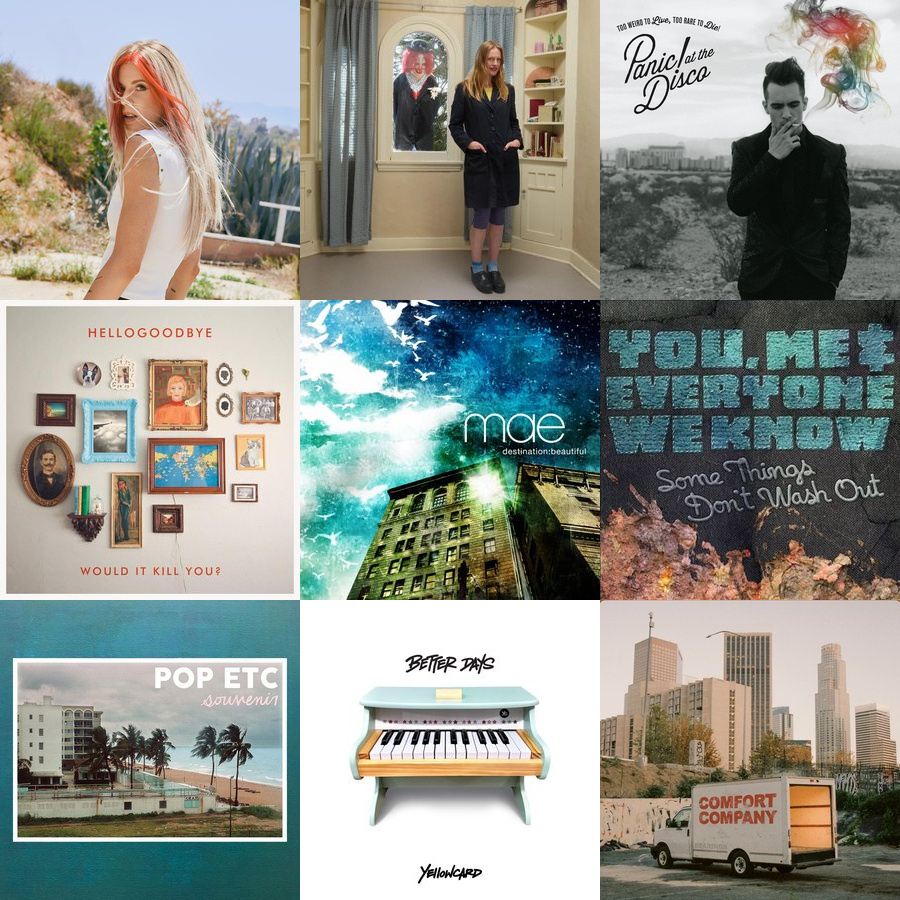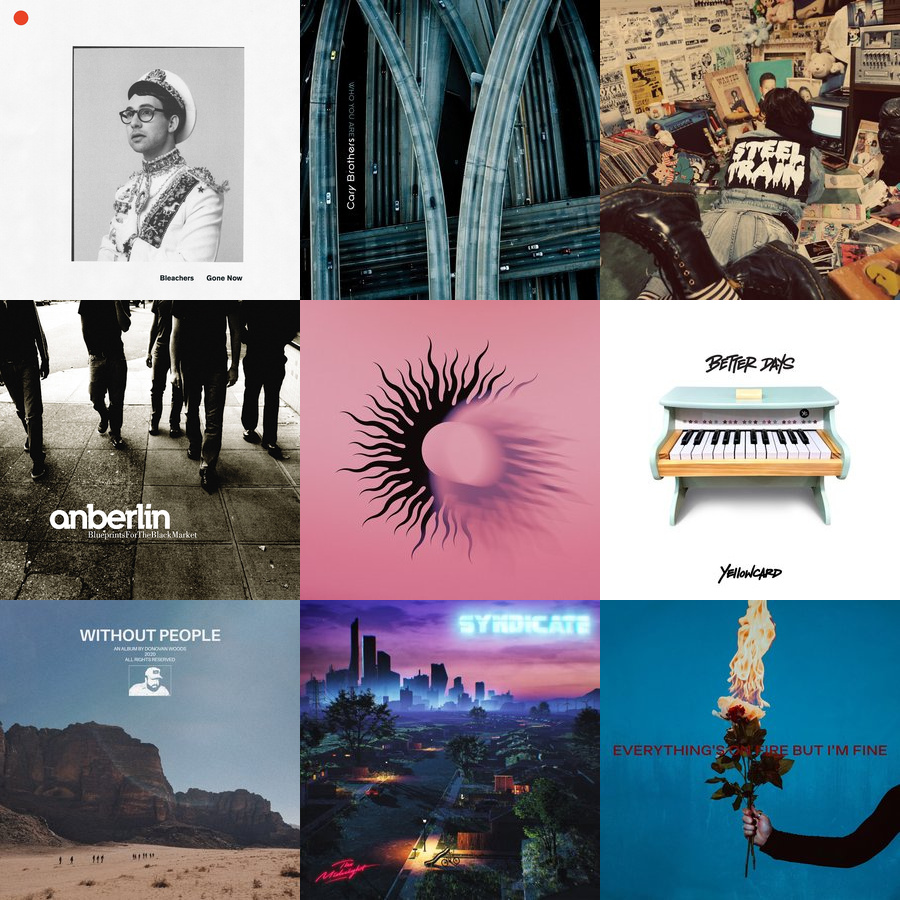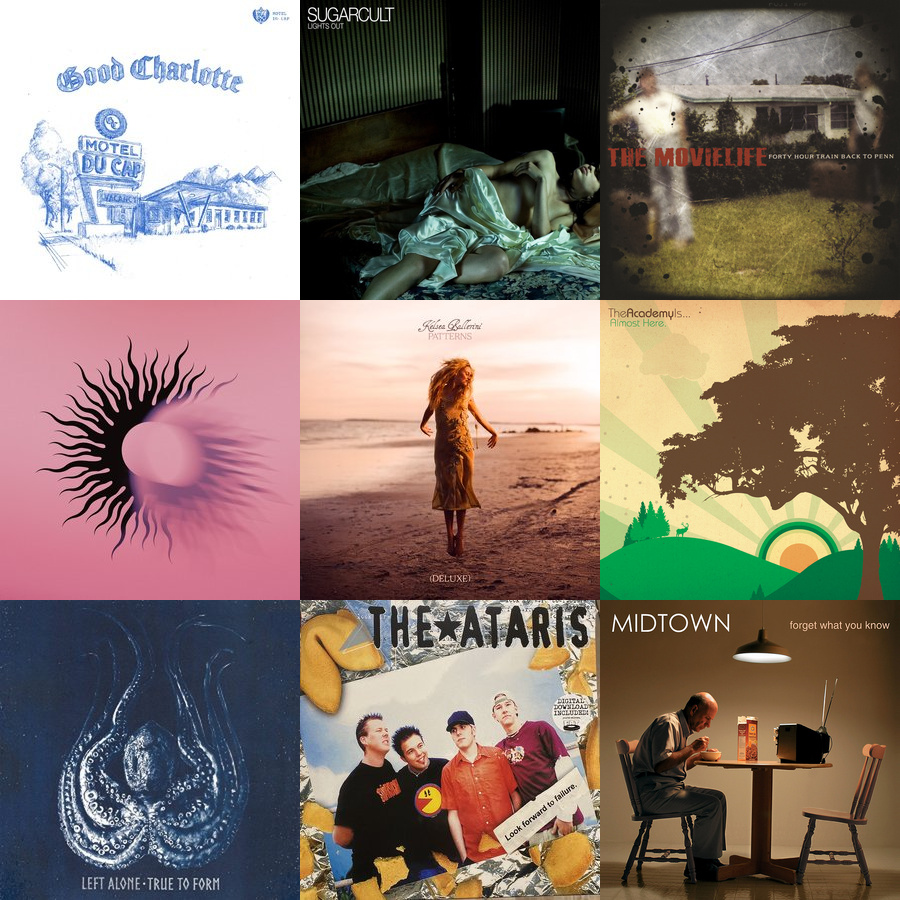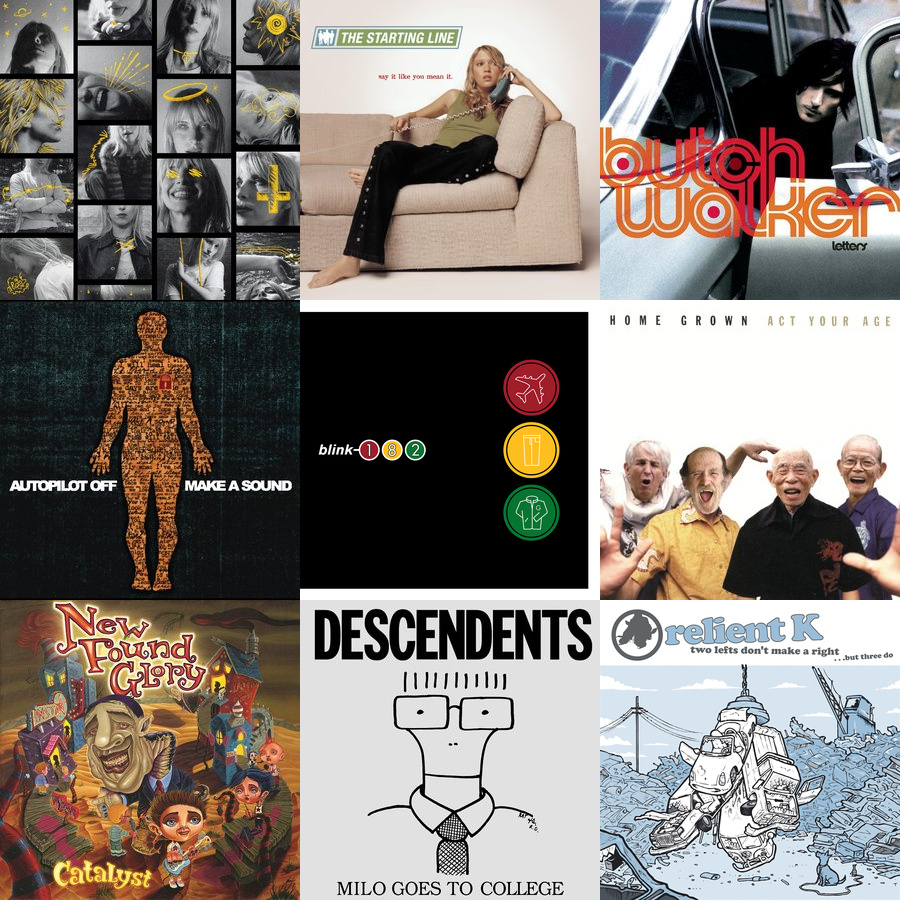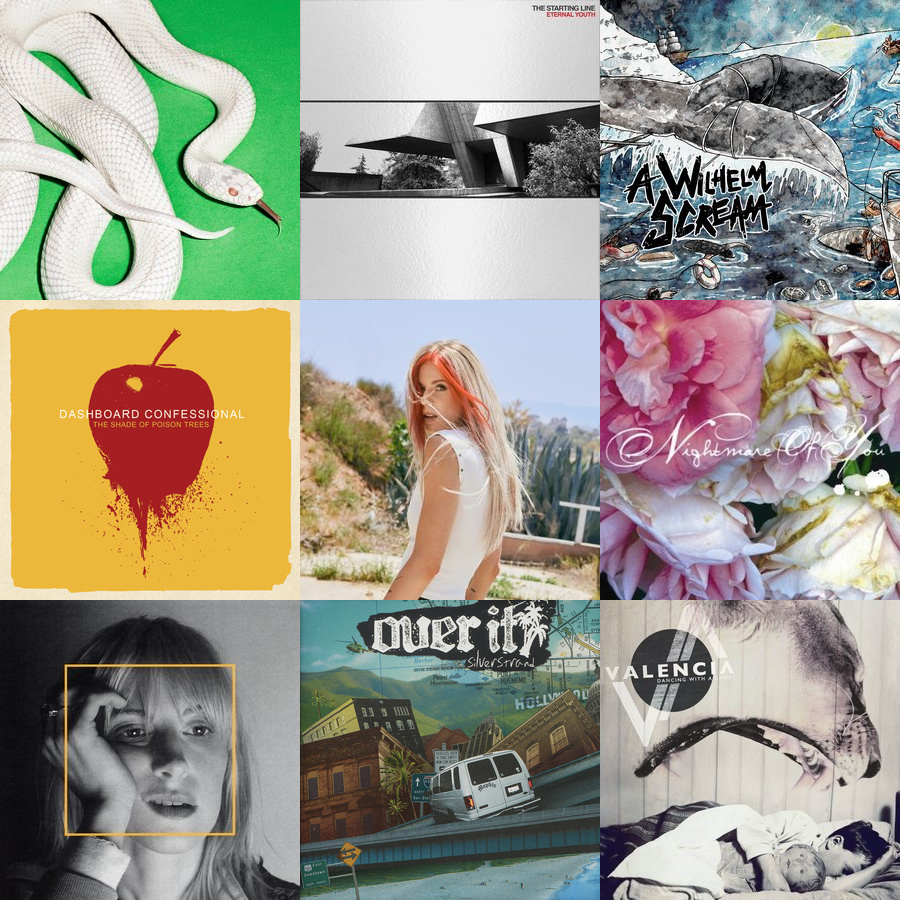
Most played last week. That Deftones album is just dominating me right now. Loving the new Hayley and Taylor Acorn albums too. Notable new entry this week. More on that one soon. 😉

Most played last week. That Deftones album is just dominating me right now. Loving the new Hayley and Taylor Acorn albums too. Notable new entry this week. More on that one soon. 😉

The end of August triggers within me a cycle of rebirth. Twenty-something-years of returning from the summer to begin a new school year is, for better and worse, imprinted on my soul.
The new Deftones album is the perfect soundtrack for this year's transformation. Bring on the fall. I'm ready.
Listen: https://chorus.fm/share/alb...

There are summer albums and then there are summer albums. Jack's Mannequin's Everything in Transit, Yellowcard's Ocean Avenue. These are classics that demand BBQs, cold beer, and the sunniest of summer drives.
I also put Hellogoodbye's Would it Kill You? in this category. The kind of music that makes you feel summer.
Listen: https://chorus.fm/share/alb...
July, a month where I scroll back through photos and realize we did a lot and I didn’t take enough (or very good) photos to document it! The summer heat is unrelenting. The vibes? They’re not bad, considering – you know – everything.
July 2025
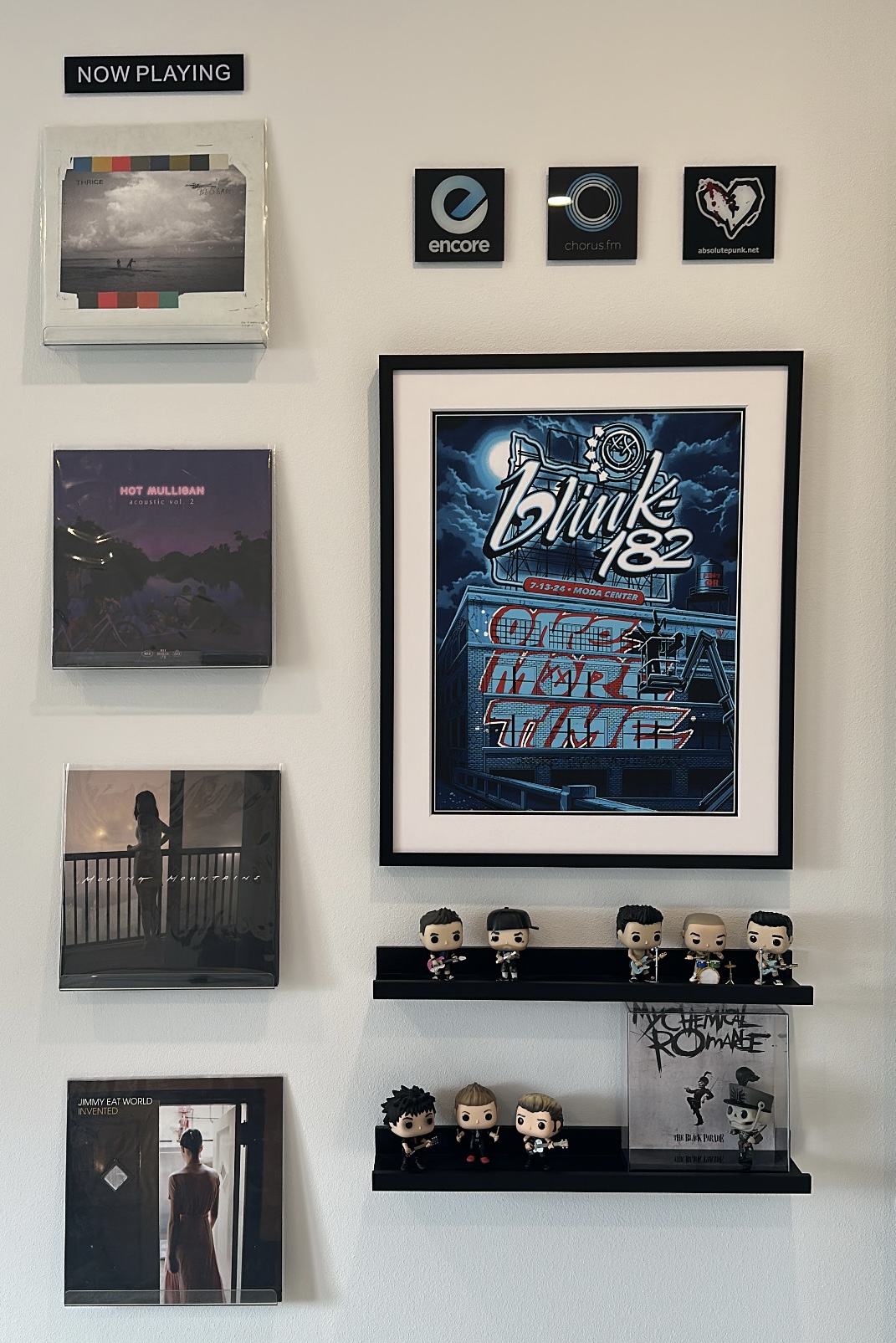
128 kbps, god damn we're back!

I’ve written before about my home screens and how I use Focus Modes. But one trick I recently added was a simple automation that also triggers Dark Mode when my “Day’s Over” Focus Mode is activated.
Basic, simple, but a nice little improvement.