socials

This website is supported in part by readers. Please consider becoming a supporting member. Oh, and I have a weekly newsletter.
SORTED BY: BLOG



Jason Tate’s Top Albums of 2016
I’ll remember 2016 as the year I migrated from AbsolutePunk to Chorus and the year where The 1975 pretty much dominated my music listening from start to finish. My goal this year was to try and spend more time with the music I loved instead of trying to listen to everything. In the end, I felt like devoting more time to each album let me discover more about each one without worrying about needing to move onto the next thing until I was ready. I’m glad I did it.
I included a bunch of movies, TV shows, books, and apps I enjoyed over the year as well.
The Fidget Cube: A Vinyl Desk Toy
The Fidget Cube that started on Kickstarter is now up for order on their website.
An unusually addicting, high-quality desk toy designed to help you focus. Fidget at work, in class, and at home in style. Fidget Cube has six sides. Each side features something to fidget with: Click. Glide. Flip. Breathe. Roll. Spin.
This is devilishly clever.
OmniFocus Adds Global Search
OmniGroup have released OmniFocus 2.8 for Mac:
Happy New Year! After a quiet couple of weeks, we are back in the office today and releasing OmniFocus 2.8 for Mac, which includes one of our most requested features: Global Search.
Great new addition to the most important app I use.
Portland Gear

My girlfriend picked me up one of these shirts from “Portland Gear” for Christmas. I’m digging the little P logo. Really comfortable shirt.
HandBreak Leaves Beta After 13 Years

HandBreak, one of the best video transcoders out there, has finally left beta and hit version 1.0 … after 13 years.
After more than 13 years of development, the HandBrake Team is delighted to present HandBrake 1.0.0. Thank you to all of our many contributors over the years for making HandBrake what it is today.

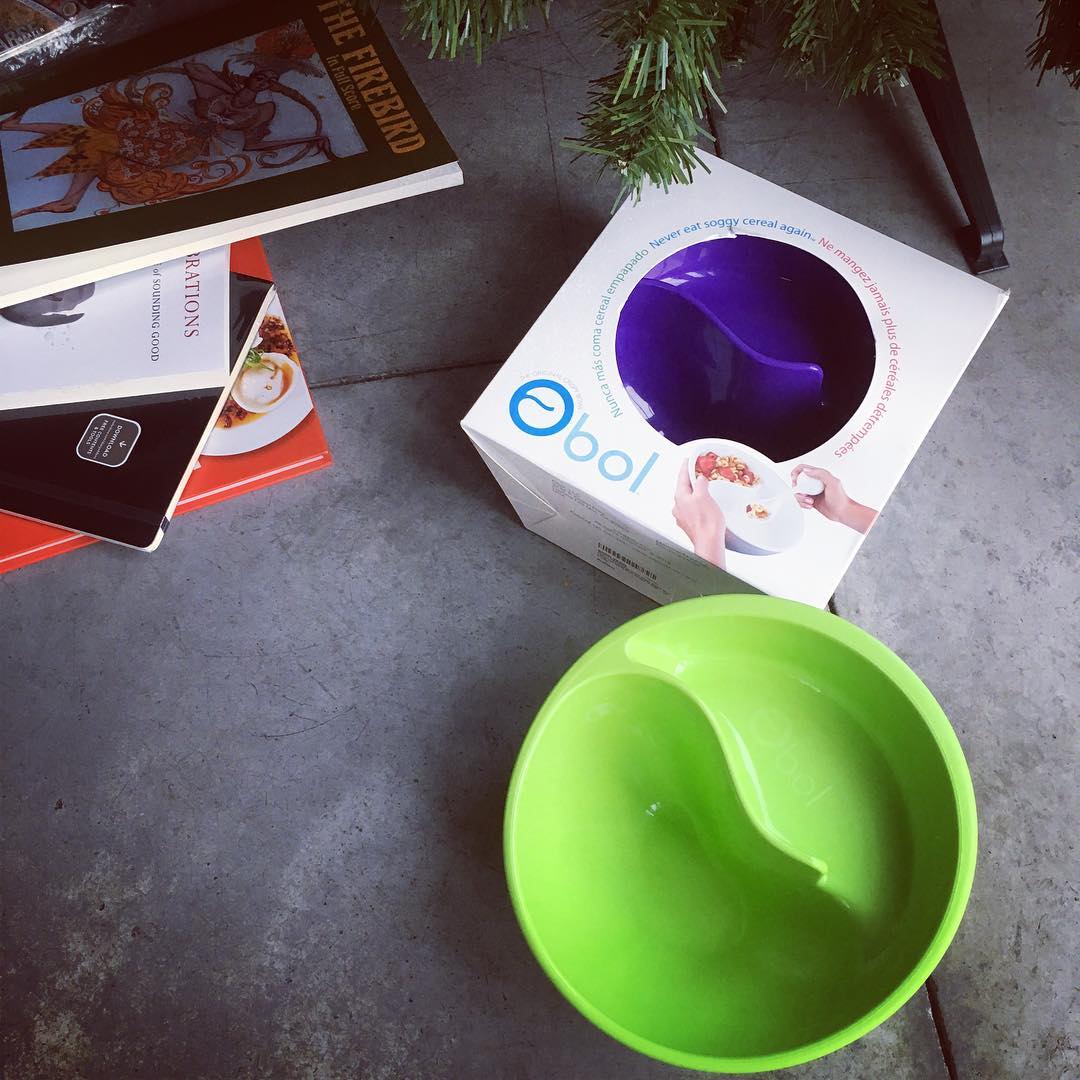
When you and the girlfriend get each other the same fun goofy gift you saw on TV months ago and joke about.
A Computer for Everything: One Year of iPad Pro

Federico Viticci, over at MacStories, has a killer article about using the iPad Pro for a year and how it’s become his favorite computer of all time:
Much of the iPad’s strength lies in iOS and its app ecosystem. If Apple were to stop making iPads, I’d still prefer to work on a device that runs iOS rather than macOS. iOS is where app innovation happens on a regular basis with developers one-upping each other in terms of what software can achieve; I also prefer the structure and interactions of iOS itself. The iPad Pro is the purest representation of iOS: it’s a computer that can transform into anything you need it to be.
And:
There’s an important difference between the old iOS automation kin and the modern wonders of Workflow. Four years ago, URL schemes were the only way to turn an iPad into a passable work device for advanced tasks. Automation was an escape hatch from Apple’s limitations and the immaturity of iOS. Today, iOS is a stronger, more capable platform that, for many, is superior to macOS. There’s still work to be done, but, for the most part, iOS automation today is an optional enhancement – a way to speed up tasks and make them more accessible. In four years, and largely because of iOS 8 and iOS 9, iOS automation has evolved from a workaround into a creative optimization.
The entire thing is full of great insights and it got me playing around with some new automation techniques on iOS. I realized I haven’t been using Workflow and Launch Center Pro to their full capacity.
Nerdy T-Shirts

I’m kinda loving these super cool looking (and nerdy) t-shirts. I just may have to pick up the retro looking Star Wars one.