In this week’s roundup, I write a little about Smart Playlists in iTunes and how I use them for holiday music, talk about wanting to ramp up my comic book reading again, share thoughts on the music and entertainment I enjoyed this week, and post the weekly ten song playlist. It’s been a very Copeland, Japanese House, and The 1975 dominating week around my house. The supporter Q&A post can be found here.
A lot going on in these very old receipts I found. I spent $14.99 on a MEST album. From Sam Goody. That SoCo and Calvin and Hobbes purchase was a damn good one though.
In this week’s roundup I do a way-too-early ranking of The 1975’s albums, talk about the next big forum feature I’m working on, go through my usual weekly media diet, and share ten songs I loved this week. The supporter Q&A post can be found here.
I finished this up early, so I figured I’d post it now. I hope everyone is having a great holiday weekend and getting filled up on good food (and booze) and then taking mid-day naps on the couch.
For the Thanksgiving edition of this roundup, I rank my favorite Thanksgiving foods, give some thoughts on new music, and give my regular media diet roundup from the past week. The supporter Q&A post can be found here.
I’ve always been intrigued by Workflow’s implementation of ‘Add to Home Screen’ – a feature that Apple kept in the transition to the Shortcuts app, and which allows users to create home screen icons to launch their favorite shortcuts. So earlier this month, I decided I wanted to learn how Shortcuts was handling the creation of home screen icons.
After a few weeks of experiments and refinements, I ended up reverse-engineering Shortcuts’ ‘Add to Home Screen’ implementation, which turns out to be an evolution of Workflow’s existing hack based on Safari and web clips.
Federico Viticci and I must have been playing around with this stuff at the same time. His implementation and solution is way better.
In this week’s roundup, I rank New Found Glory albums, talk a little about my thinking behind rolling out the new ad system, discover some cool new iPad apps, and go through my usual media diet from the past week. The supporter Q&A post can be found here.
It finally got cold enough to where I had to turn on the fireplace — only to find out that the pilot light wouldn’t ignite. Which, of course, meant I had to wait to have it fixed. After a few days of being sad, it has been fixed, and I’ve turned it on for the first time this season. It’s gloriously warm and the cats are cuddled up next to it like it’s the only thing in this world that matters. They may just be right.
This week’s roundup finds me ranking Anberlin albums and going through my usual media diet. There’s also a playlist of music I loved this week and some way-too-early talk about holiday decorations. The supporter Q&A post can be found here.
In iOS 10 Apple introduced the ability for app makers to offer alternative app icons for their apps. A few of my favorite apps have taken advantage of this. Overcast has a cool dark icon for subscribers, Carrot Weather has a huge selection to choose from, and the MLB At Bat app lets you pick your favorite team’s logo as the icon. It’s a nice way to add a little bit of customization to your device. However, not every app has taken advantage of this new feature. For example, it’s a no brainer that the NBA should copy baseball and let you put a team logo as the app icon … but, they don’t. So when it came time to move from having the MLB app on my home screen, to the NBA, I started looking into all the different ways I could maybe change-up the icon. I have no desire to jailbreak my phone and this really isn’t an app I open up all that often anyway. I check it maybe a couple times a day, at most, to see what games are on, check scores, and watch one via League Pass if it’s coming down to the wire. Because of this, I thought about just using a Siri Shortcut to act as an app launcher and being done with it, but I didn’t love how the shortcut would launch, then switch to the Shortcut app, and then launch the NBA app. Sure, it worked, but it took longer than I wanted to even for an app I only open a few times a day.
However, I realized that if there was only one slight pause and a redirect to the NBA app, without first going through Shortcuts, that would probably work just fine for what I wanted this to do. So I took a look at how Shortcuts was creating these launchers and realized they’re basically just Web Clips that when opened redirect to a Shortcuts URL scheme. Looking a little closer I saw they created these Web Clips in a pretty clever way that kept everything local on the device. Usually a Web Clip will launch Safari and hit a web site, which is slow, however, if it’s a local HTML file it doesn’t need to do anything at all. So I copied their technique.
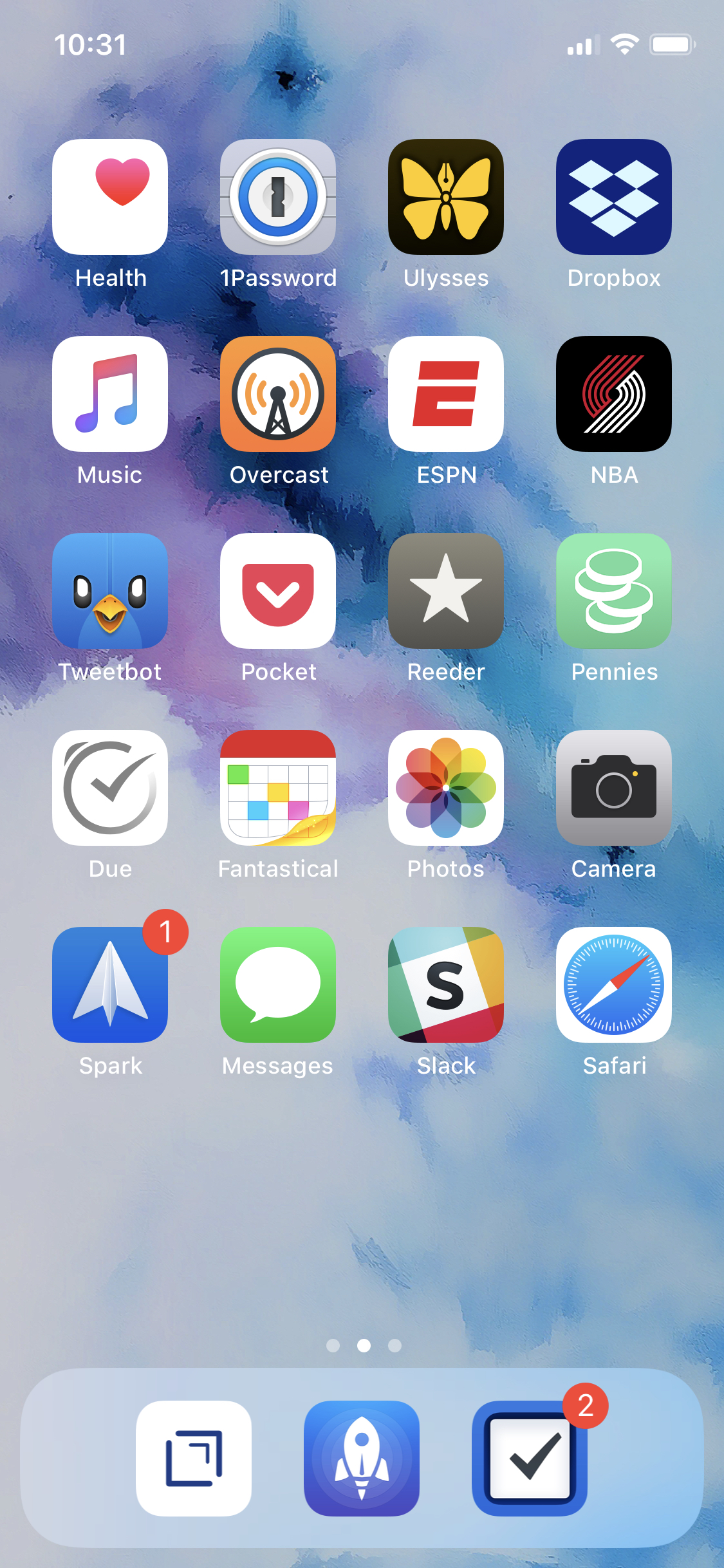
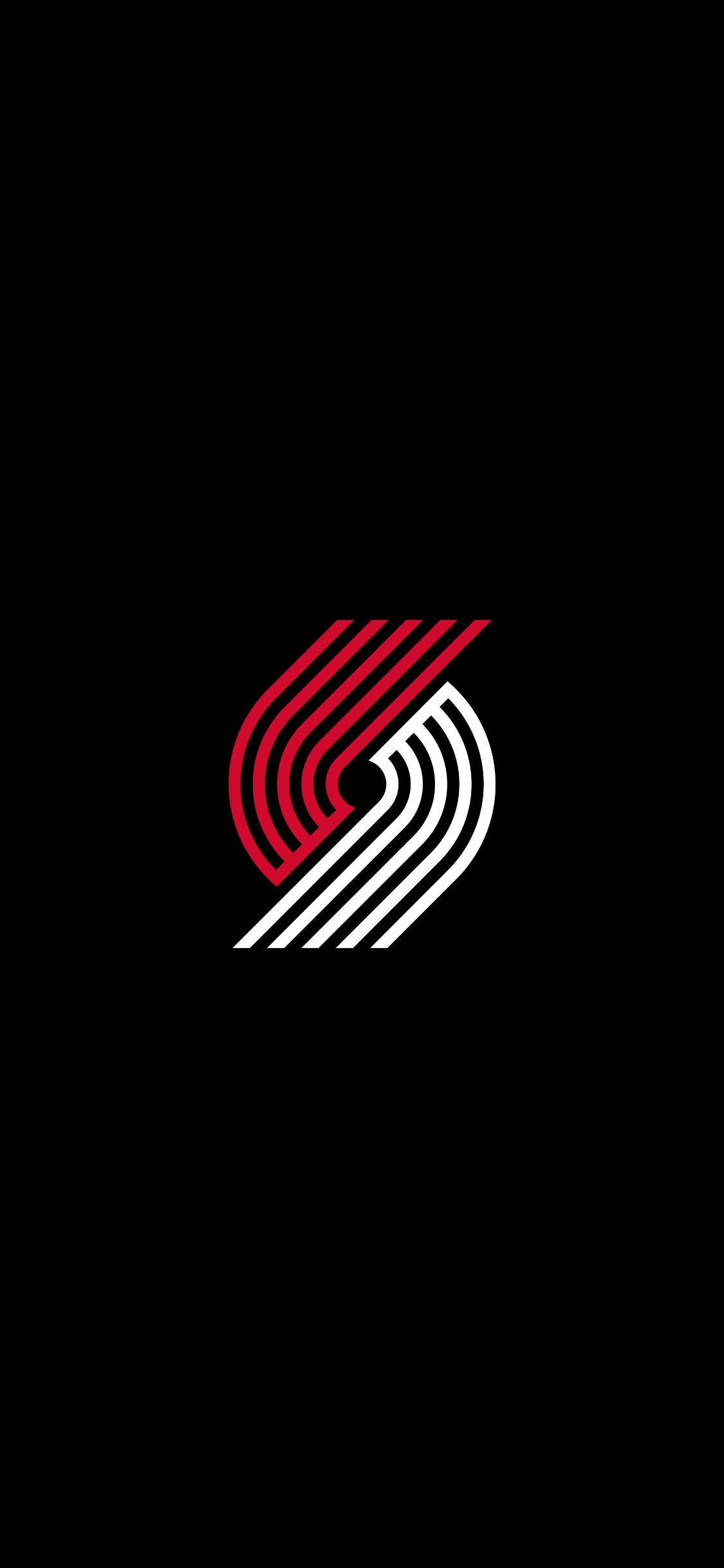
I created a basic HTML file that redirects to the NBA url scheme, created the icon I wanted for it, turned the background black, and then added a startup image that displays the logo on a black background. That way, when I tap the icon, instead of just getting a brief white background, I get a cool all black Trail Blazer screen before being sent to the NBA app. There’s still a slight delay, but it’s passable this time, since I’m sent right to the app and not to Shortcuts first.
And it means I can have the Blazer logo on my home screen:
If anyone is interested in how I did it. Here’s the basics: I started with a simple HTML document.
The meta refresh tag I set to the NBA URL scheme. I told the Web Clip to be full-screen (apple-mobile-web-app-capable). Set the status bar to black to match the background (apple-mobile-web-app-status-bar-style). (Change “black” to “default” to make it white.) And set the icon (apple-touch-icon) and the start up image (apple-touch-startup-image) to their respective images (you can find the recommended sizes via Google depending on what device you use).
Now, in the middle of the screen I wanted to show the Blazer logo. However, I didn’t want this image to be hosted on a server somewhere and slow down my little launcher. So, I recommend optimizing your image as much as possible and then converting it to Base 64. Grab that code and set it as the source for the image. I tweaked the size and positioning so that on load the start-up image and my little website thing would look the exact same.
After that I borrowed how Siri Shortcuts adds home screen apps. Convert the entire HTML page to Base 64. You’ll get a giant string representing your Web Clip. Mobile Safari won’t let you just copy and paste this into your browser, so you’ll need to link it from somewhere. I created a page that just had one link on it:
<a href=”data:text/html;base64,”>click me</a>
After the comma, I put the giant base 64 string. I tossed that on my server, opened it on my phone, and clicked it.
(I’m sure you can use something like this to do that too.)
It opened up the HTML page I created and asked if I wanted to be redirected to the NBA app. I clicked cancel, then just created the home screen app like usual (share sheet, add to home screen). I tapped the icon, it showed my startup screen, and then the NBA app opened up. Exactly like any of the Siri Shortcut apps and all without having to jailbreak my device or create a custom profile on the phone. Just a basic local HTML page turned into a web clip. I’d never do this for any app I open all the time, but this use case is just about perfect.
I share other things like this in the Apple thread from time to time.
I blame Federico Viticci over at MacStories for going on a deep dive of playing around with Siri Shortcuts all week. Once I start down the path of automating things or organizing my phone, I always end up going overboard. Still, it was a fun way to spend a few nights.
In this week’s roundup, I look at a few new apps I’ve been using and explore the Siri Shortcut stuff I’ve been playing around with. I also share my first thoughts on the upcoming album from Saves the Day, go through my usual media diet from the past week, and share ten songs I loved this week. There’s been lots of Halloween and fall-themed entertainment in our household recently. The supporter Q&A post can be found here.
Bring on the weekend! We’re moving into “pumpkin-spice-everything” territory, and I’m getting excited to start watching some of my favorite Halloween movies, breaking out the festive beers, and making all kinds of warm foods in the ‘ol Crock Pot.
This week I rank albums from Andrew McMahon, give the first impression on the new Laura Jane Grace album, share a playlist of ten songs I loved this week, share what I’ve been working on behind-the-scenes, and go through my weekly media diet. Some outstanding albums out this week you shouldn’t sleep on. The supporter Q&A post can be found here.